
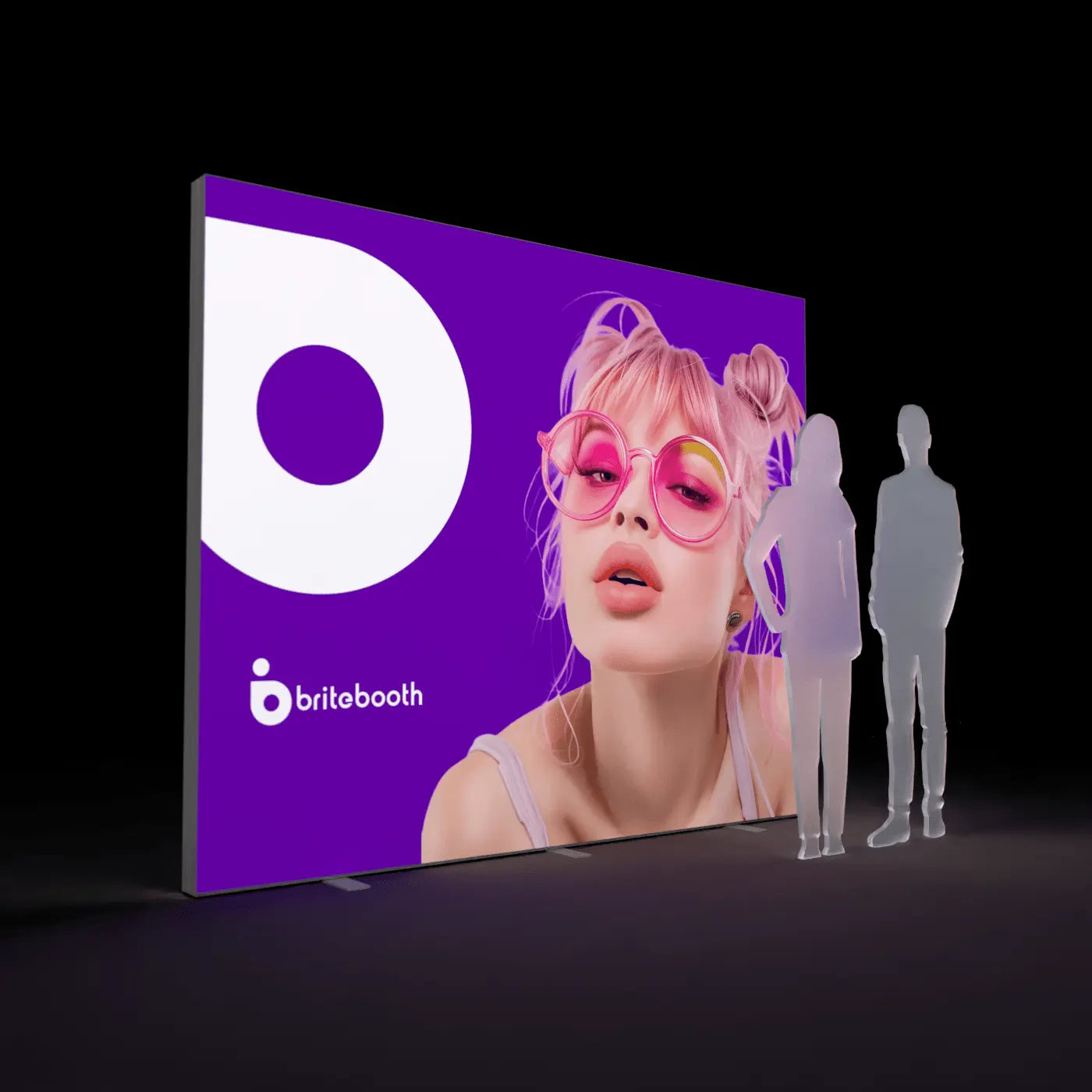
Short answer: Design in RGB if you want, but convert to CMYK (or the ICC profile your printer requests) before you export your final file. Screens display color as glowing RGB light; printed fabric reflects and transmits CMYK ink, so colors shift if you leave the conversion to the last minute — or skip it entirely.
Why the two don't match
RGB (red, green, blue) is an additive color model — your monitor builds color by emitting light, and it can produce a wider, more vivid range of colors than ink can reproduce, especially in bright blues, greens, and neons. CMYK (cyan, magenta, yellow, black) is subtractive — ink absorbs some wavelengths and reflects others. Some RGB colors, particularly saturated blues and greens, simply fall outside what CMYK ink can reproduce, so they'll look slightly muted once printed no matter how carefully you convert.
Backlighting adds a second variable
On top of the RGB-to-CMYK shift, backlighting changes how printed color reads: light passing through dye-sublimated fabric behaves differently than light bouncing off a flat printed surface. Reds and oranges tend to read warmer and more saturated once lit from behind; this is why BriteBooth's standard proofing process includes a digital proof calibrated for backlit viewing, not just a flat color match.
A simple workflow that avoids surprises
- Design in whatever color space your software defaults to (usually RGB)
- Before final export, convert the whole file to CMYK or the specific ICC profile we provide — don't wait until the file is already flattened
- Check your brand's critical colors (logo, primary brand color) against the converted result; if an exact match matters, request a physical swatch rather than trusting a screen preview
- Outline fonts and embed or flatten any linked images
- Export a print-ready, flattened PDF
What to do if your brand color is outside CMYK's range
If your brand color is a very saturated blue, green, or neon that CMYK can't fully reproduce, the closest achievable match will look slightly duller in print than on screen — this is a physical ink limitation, not a proofing error. Flag it during your proof review so our team can adjust surrounding colors and contrast to keep the overall graphic balanced rather than trying to force an impossible match.
Related reading
Shop collections: FrameBright · Casonara
Share:
DPI for Backlit Graphics: What Resolution Do You Really Need
Backlit vs Standard Trade Show Displays: Pros, Cons, and Costs