
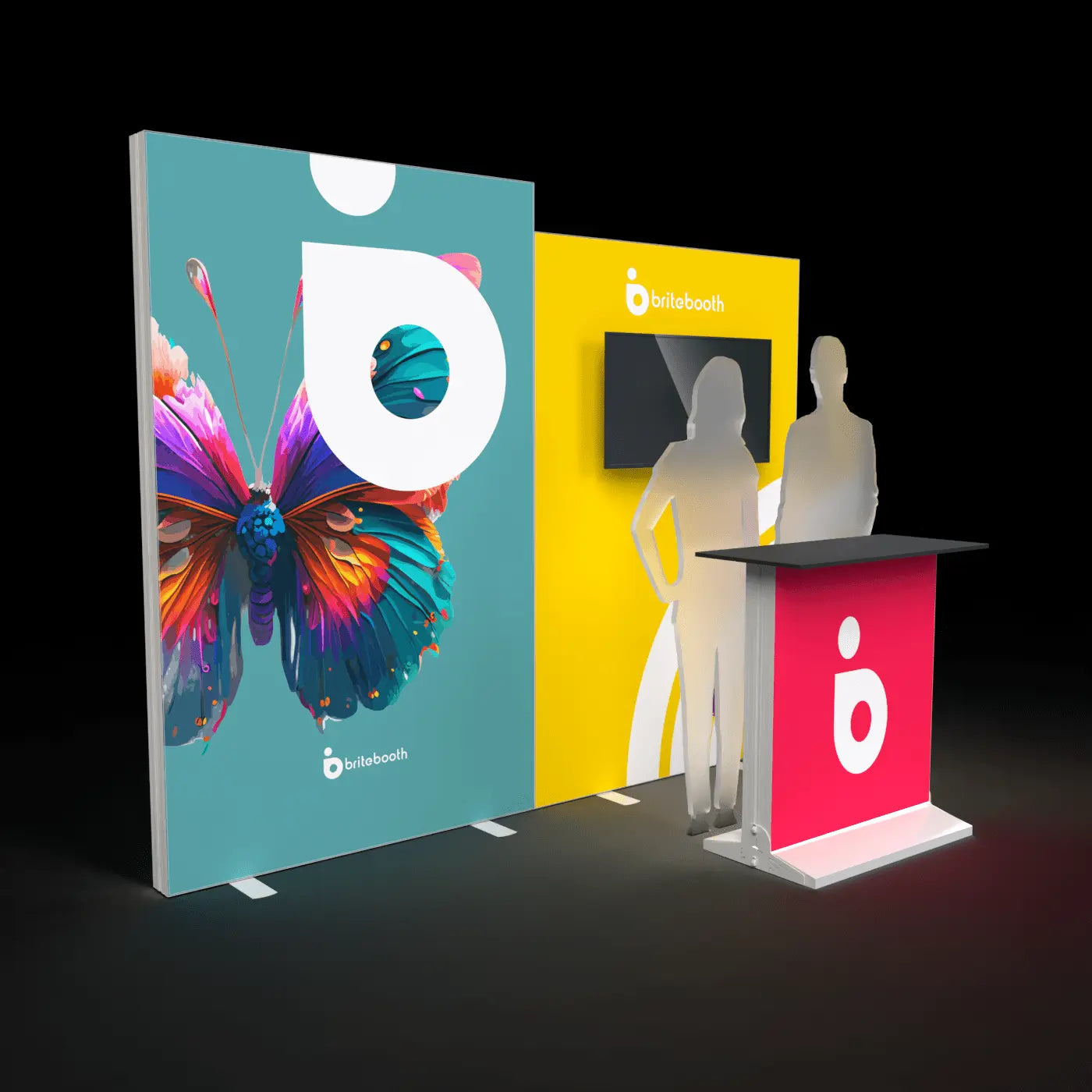
Short answer: 150–200 effective DPI at final print size is the right target for most full-size backlit walls. Reserve 300 DPI for counters, towers, or any element people will view up close.
Why DPI rules for backlit fabric are different from desktop printing
The 300 DPI rule you may know from print design assumes close-up reading distance — a business card held a foot from your eyes. A trade show wall is viewed from across an aisle, typically 8–15 feet away. At that distance, the human eye simply can't resolve detail finer than roughly 150–200 DPI, so printing a 10ft wall at 300 DPI wastes file size and production time without adding any visible sharpness.
DPI targets by display type
- Full walls (8–20ft, viewed from 8–15+ feet): 150–200 DPI at final size
- Towers (viewed from a mix of distances as people walk past): 150–200 DPI, with any lower text elements bumped toward 250 DPI since people pass closer to the base
- Counters (viewed up close during conversations): 250–300 DPI, especially for any logo or small text
- Replacement graphics with fine detail or small logos anywhere on the panel: 300 DPI for those specific elements, even on a large wall
How to calculate effective DPI
Effective DPI = your image's pixel dimensions ÷ the final print size in inches. A 3000px-wide image printed at 10 feet (120 inches) wide gives you 3000 ÷ 120 = 25 DPI — far too low. The same 3000px image printed at a 15-inch-wide counter panel gives 3000 ÷ 15 = 200 DPI — fine. Always check the math against your actual output size, not the pixel count alone.
Does upscaling help?
Not much. AI upscaling tools can smooth out obvious pixelation, but they don't recover detail that was never captured — they're best used to rescue a borderline-low file, not as a substitute for sourcing a properly sized original. Start with the highest-resolution source you can get (vector logos, high-res photography) rather than relying on upscaling to fix a small file after the fact.
Should you sharpen for fabric printing?
A modest output sharpen (roughly 10–20% in most design software) before export helps counteract the slight softening that happens during dye-sublimation printing onto fabric. Oversharpening creates visible halos around high-contrast edges, which show up clearly once backlit — apply sharpening conservatively and check a printed proof before finalizing.
Related reading
Shop collections: FrameBright · Casonara
Share:
FrameBright vs SEGO vs WaveLight: Choosing the Best Lightbox System
RGB vs CMYK for Backlit Fabric Prints