
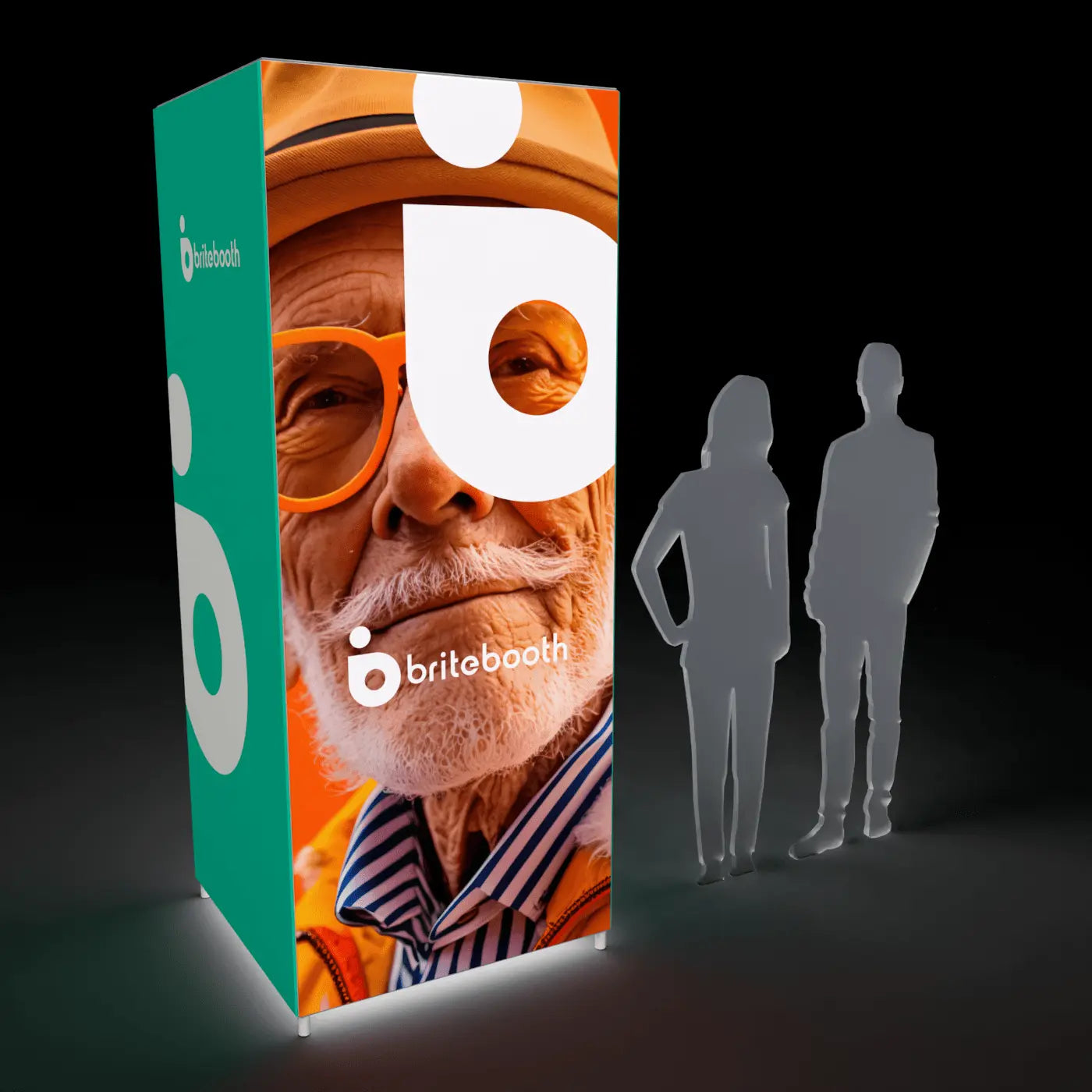
Short answer: Start from the product-specific template, keep critical content inside the safe area, supply artwork at 150–300 effective DPI at final size, outline your fonts, and convert to the requested color profile before export.
1. Start with the correct template
Every BriteBooth display size has its own template with the exact bleed, safe area, and seam lines marked (seams matter on multi-panel walls like the 20ft SEGO or Casonara kits, where your design crosses more than one fabric panel). Using the wrong template is the single most common cause of a rejected proof — request the template for your exact SKU before you start designing, not a generic "10ft wall" template.
2. Respect the safe area
Keep logos, headlines, and any text you need fully readable inside the marked safe area, typically a few inches in from each edge. Content that bleeds into the frame overlap or silicone edge channel gets physically hidden once the graphic is installed — this isn't a soft recommendation, it's a hard mechanical constraint of how SEG mounts into the frame.
3. Resolution: match DPI to viewing distance
Most full-size backlit walls are viewed from 8–15 feet across a show aisle, so 150–200 effective DPI at final print size looks sharp at that distance — you don't need 300 DPI across an entire 10ft wall, and files that large just slow down your design software for no visual benefit. Reserve 300 DPI for elements viewed up close: counter graphics, small logos, or fine text. See our full breakdown in DPI for Backlit Graphics.
4. Color: design for backlight, not screen light
Colors shift when light passes through fabric rather than bouncing off it — backlit reds and oranges tend to read warmer and more saturated than they appear on an unlit screen. Work in CMYK or the ICC profile we provide, and if exact brand colors matter (logo blues, corporate reds), request physical swatches rather than relying on a screen preview. Full workflow in RGB vs CMYK for Backlit Fabric Prints.
5. Fonts and links
Outline (convert to curves) all text before exporting your final file, and embed or flatten linked images rather than leaving them as external references. A font substitution or missing link at the print stage is one of the most common causes of proofing delays.
6. Export as a print-ready PDF
A flattened, high-res PDF with embedded fonts and the correct color profile is the standard deliverable. Avoid exporting directly from a web-design tool (Canva, Figma) without checking the output against the print template dimensions first — web canvas sizes rarely match physical display dimensions exactly.
Don't want to design it yourself?
BriteBooth's graphic design service builds your artwork from your existing brand assets, and every order — whether you supply print-ready files or use our design team — includes free proofing and a 3D rendering before production starts.
Pre-flight checklist
- Correct template for your exact display SKU, including seam lines
- Key content inside the safe area
- 150–200 DPI at final size (300 DPI for close-view elements)
- Fonts outlined, images embedded
- Converted to CMYK or the requested ICC profile
- Exported as a flattened, print-ready PDF
Related reading
Shop collections: FrameBright · Casonara
Share:
What are SEG Lightboxes
FrameBright vs SEGO vs WaveLight: Choosing the Best Lightbox System